Skip to main content
View All
Search
Shelves
Books
Log in
Info
Content
8. Supplier Management...
Adding a New Supplier
Page Revisions
Revision #286 Changes
Adding a New Supplier
Step-by-step Instructions:
From the main sidebar navigation, click on
Suppliers
.
Select
Supplier
from the sub-menu.
Click the
Add Supplier
button.
Fill in supplier details like Name, Email, Phone, Address, etc.
(Optional) Assign a
Tier
and
Tags
.
Save the supplier profile.
Loading
Figure
content...
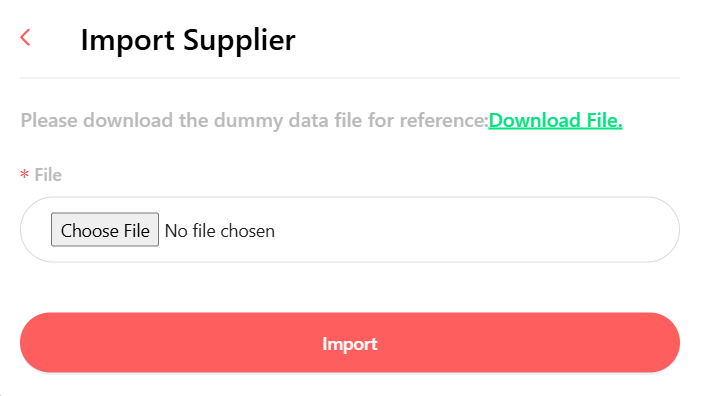
20: Add Supplier Screen
Back to top