
Managing Cash Registers

LoadingThis content.guide explains how to manage and reconcile cash registers.

Step-by-step Instructions:
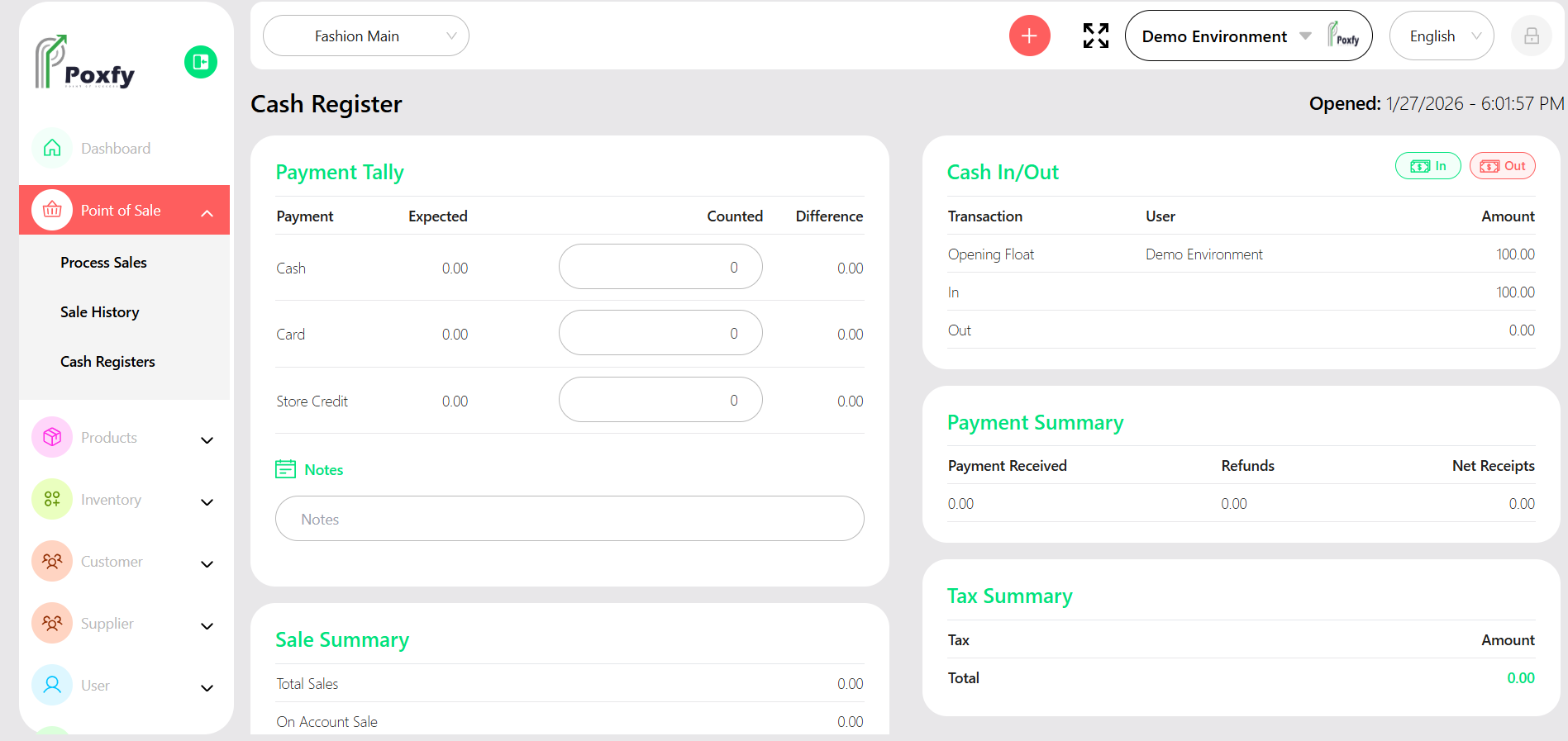
    From the main sidebar navigation, click on Point of Sale. Select Cash Register from the sub-menu. You will see a list of cash registers. To open a new register, click Add Register. To view details or close an existing register, click on its entry in the list and follow the prompts.
    Cash Register Management

    Figure 5: Cash Register Management Screen

    Tip: Regularly reconcile your cash registers to ensure accuracy and prevent discrepancies.