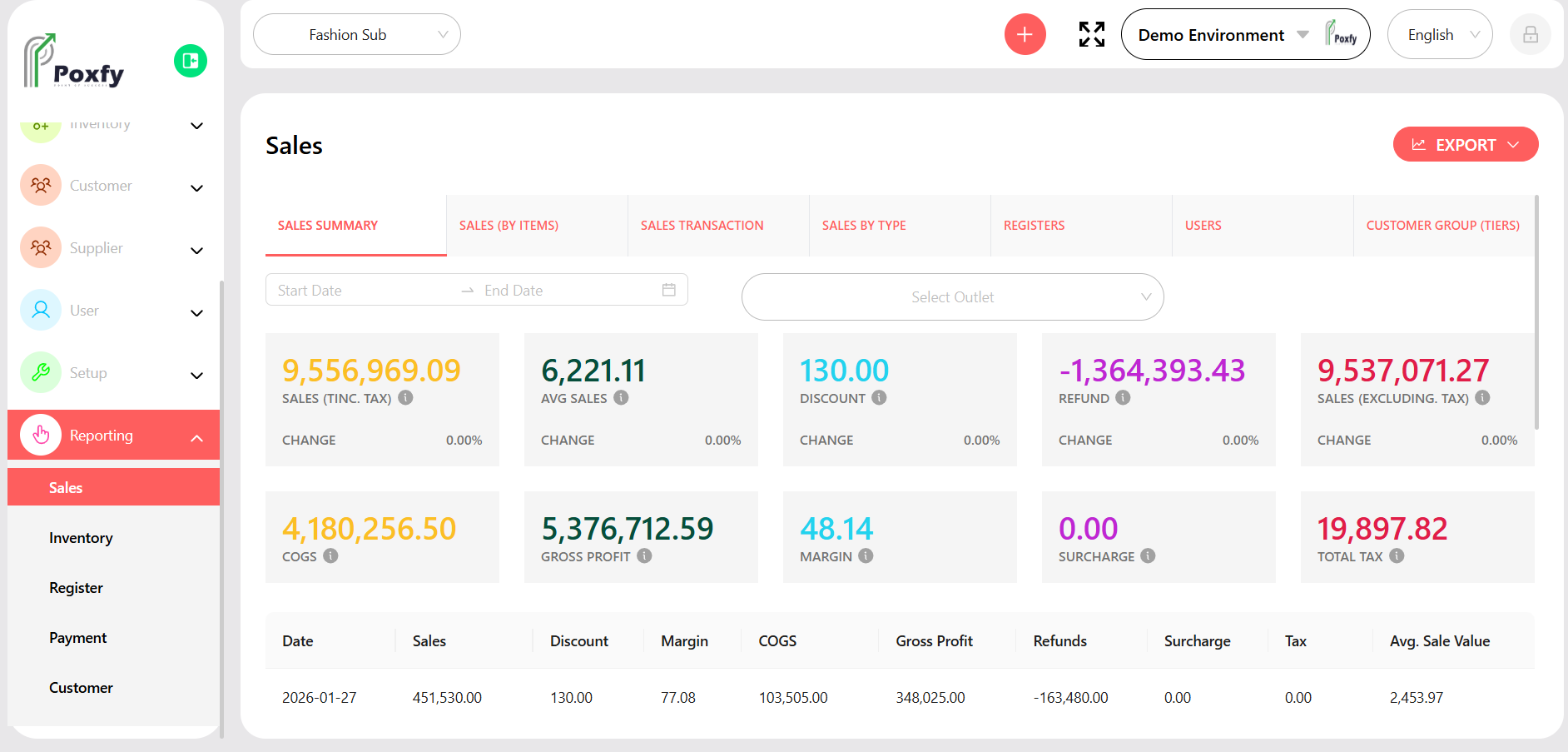
From the main sidebar navigation, click on Reporting.
Select Sales from the sub-menu.
Choose the desired report tab (e.g., Sales Summary, Sales (By Items)).
Use the Start Date, End Date, and Outlet Selector to filter data.
Click the Export button to download the report data.