
How to Log In to Poxfy

LoadingThis content...guide will walk you through the process of logging into your Poxfy account, granting you access to all system functionalities.

Step-by-step Instructions:
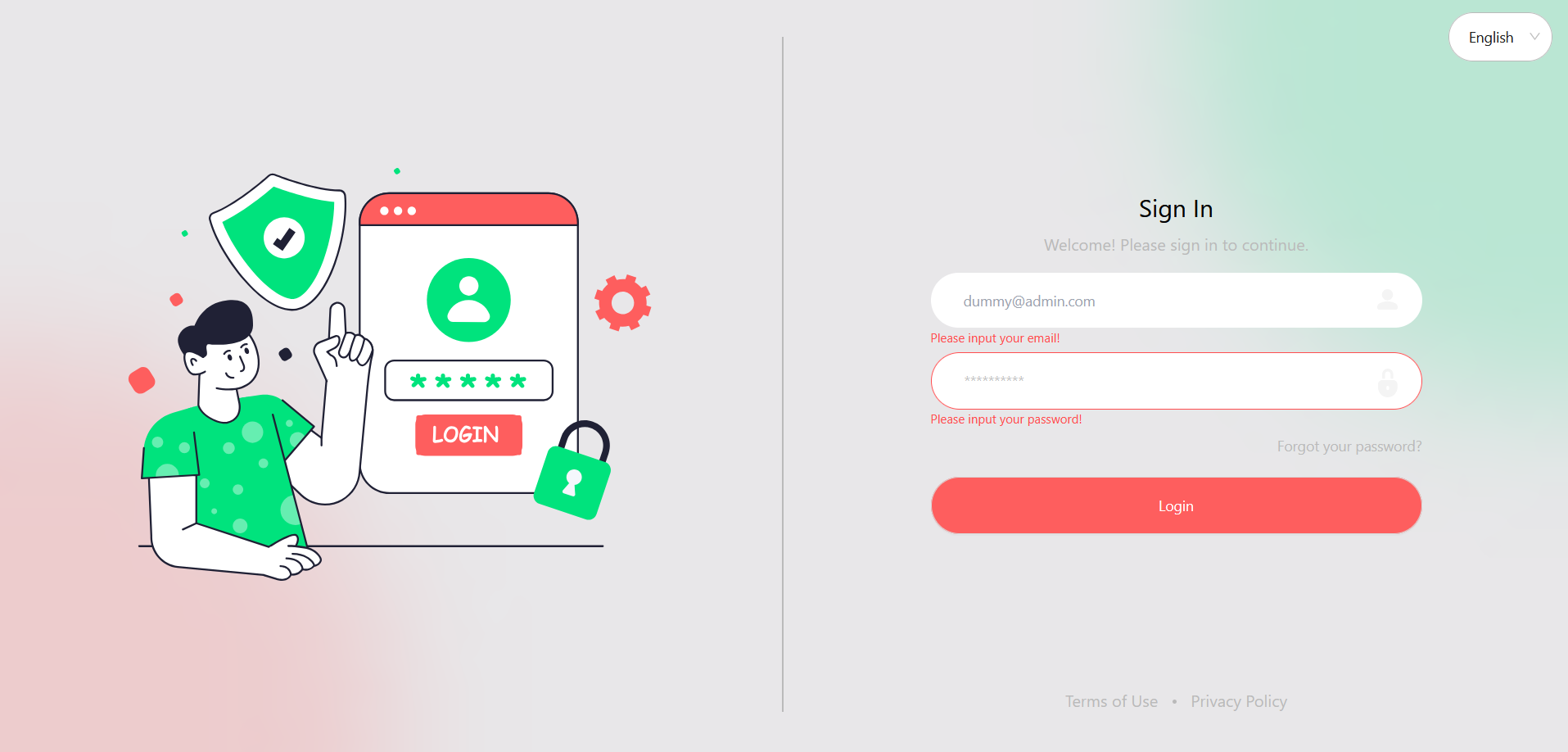
    Open your web browser and navigate to the Poxfy login page. Enter your registered Email Address in the designated field. Enter your Password in the password field. (Optional) If you have forgotten your password, click on the Forgot Password? link and follow the instructions to reset it. (Optional) To change the interface language, click on the language selector (e.g., English) in the top right corner and choose your preferred language. Click the Login button to access your Poxfy dashboard.
    Poxfy Login Screen

    Figure 1: Poxfy Login Screen

    Security Tip: For security reasons, ensure you use a strong password and do not share your login credentials with anyone. If you suspect unauthorized access to your account, reset your password immediately.