
How to Log In to Poxfy
This guide will walk you through the process of logging into your Poxfy account, granting you access to all system functionalities.
Step-by-step Instructions:
- Open your web browser and navigate to the Poxfy login page.
- Enter your registered Email Address in the designated field.
- Enter your Password in the password field.
- (Optional) If you have forgotten your password, click on the Forgot Password? link and follow the instructions to reset it.
- (Optional) To change the interface language, click on the language selector (e.g., English) in the top right corner and choose your preferred language.
- Click the Login button to access your Poxfy dashboard.
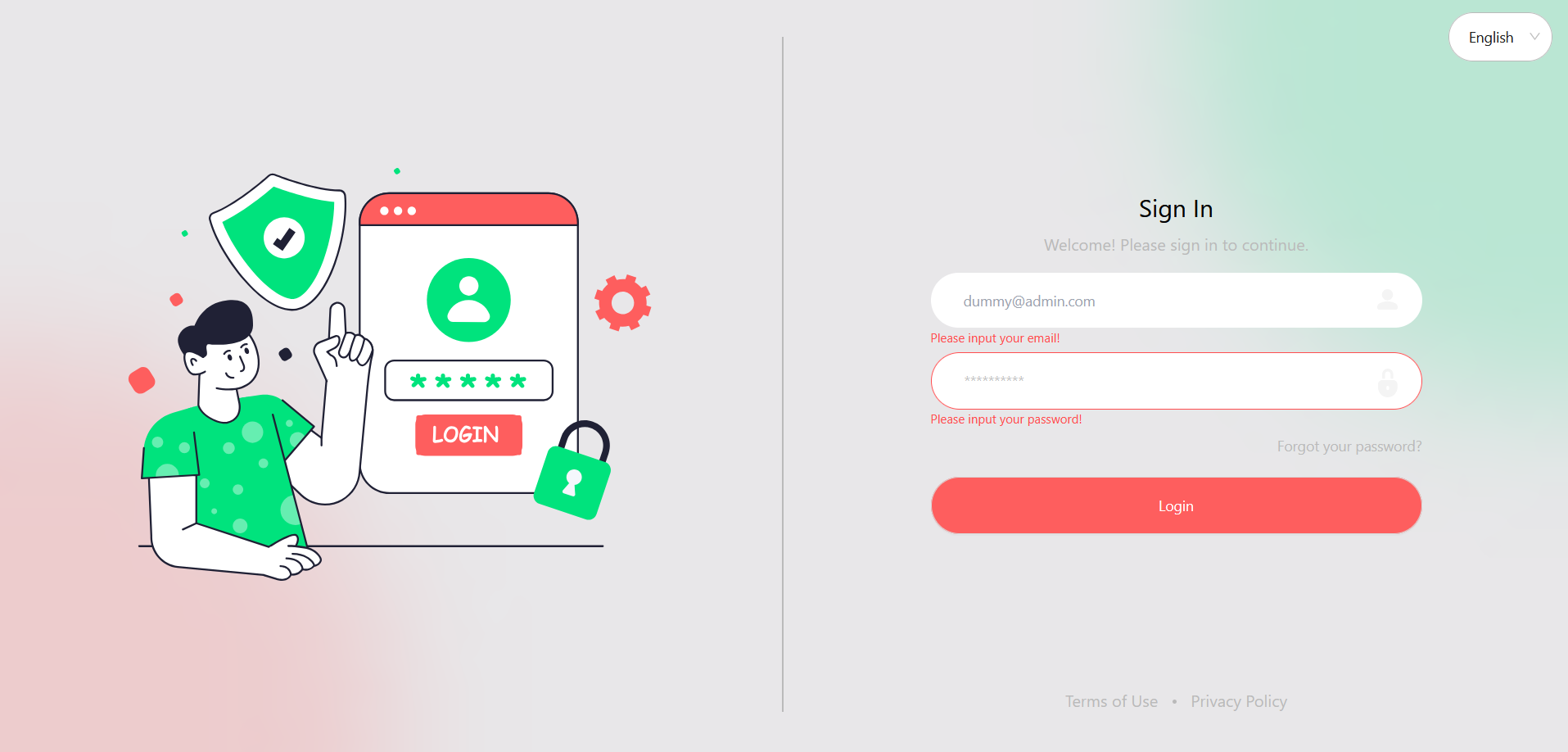
Figure 1: Poxfy Login Screen
Security Tip: For security reasons, ensure you use a strong password and do not share your login credentials with anyone. If you suspect unauthorized access to your account, reset your password immediately.