
Managing Your Personal Account Information
LoadingManaging content.your account information is crucial for maintaining accurate records and ensuring smooth system operation.
Step-by-step Instructions:
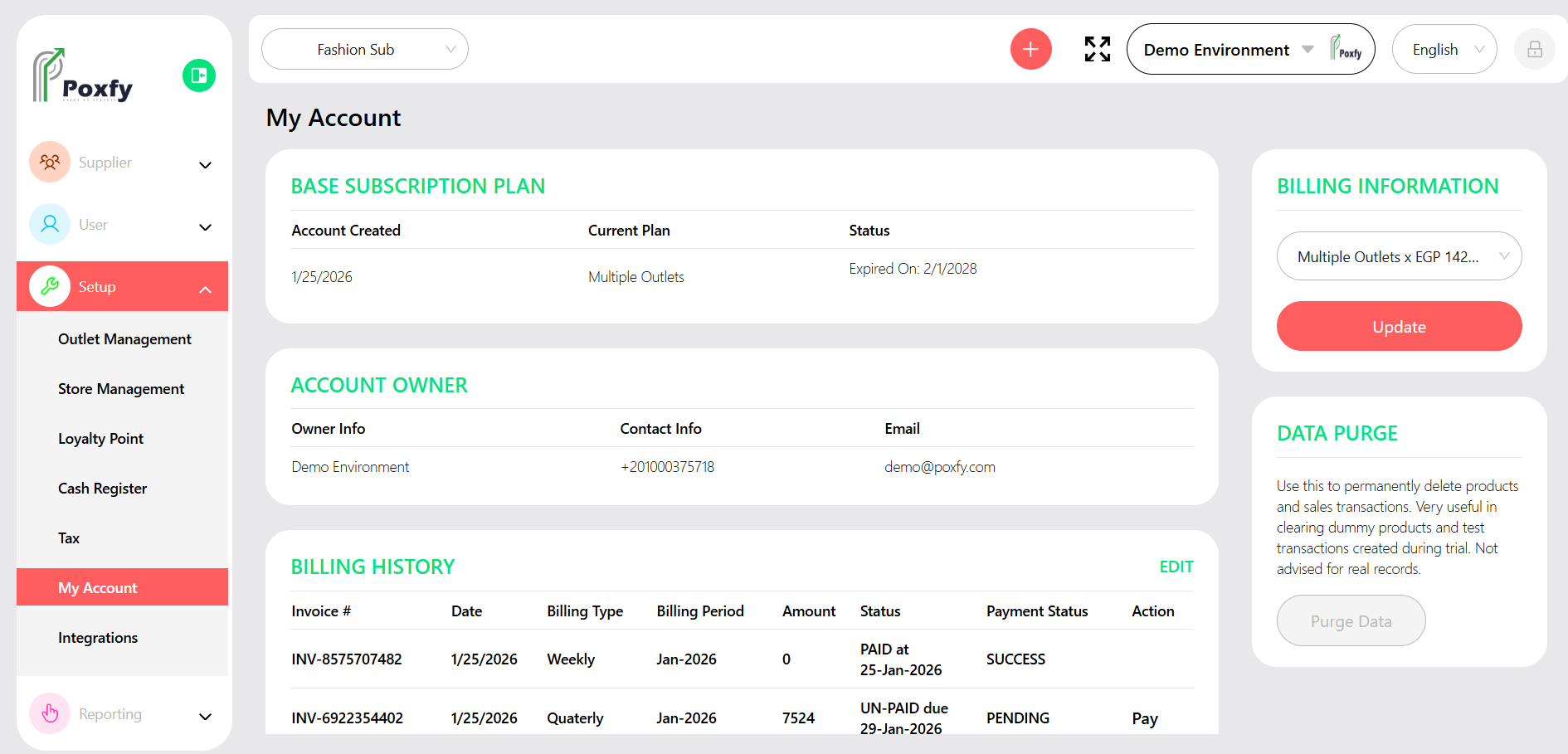
Figure 2: My Account Settings Screen
Tip: Regularly review your account information to ensure it is accurate and up-to-date. This helps with communications and system notifications.