
Managing Your Personal Account Information
Managing your account information is crucial for maintaining accurate records and ensuring smooth system operation.
Step-by-step Instructions:
- From the main sidebar navigation, click on Setup.
- Select My Account from the sub-menu.
- On the 'My Account' screen, you will find various fields to update your personal and contact information.
- Make the necessary changes to your details.
- Click the Save button to apply your updates.
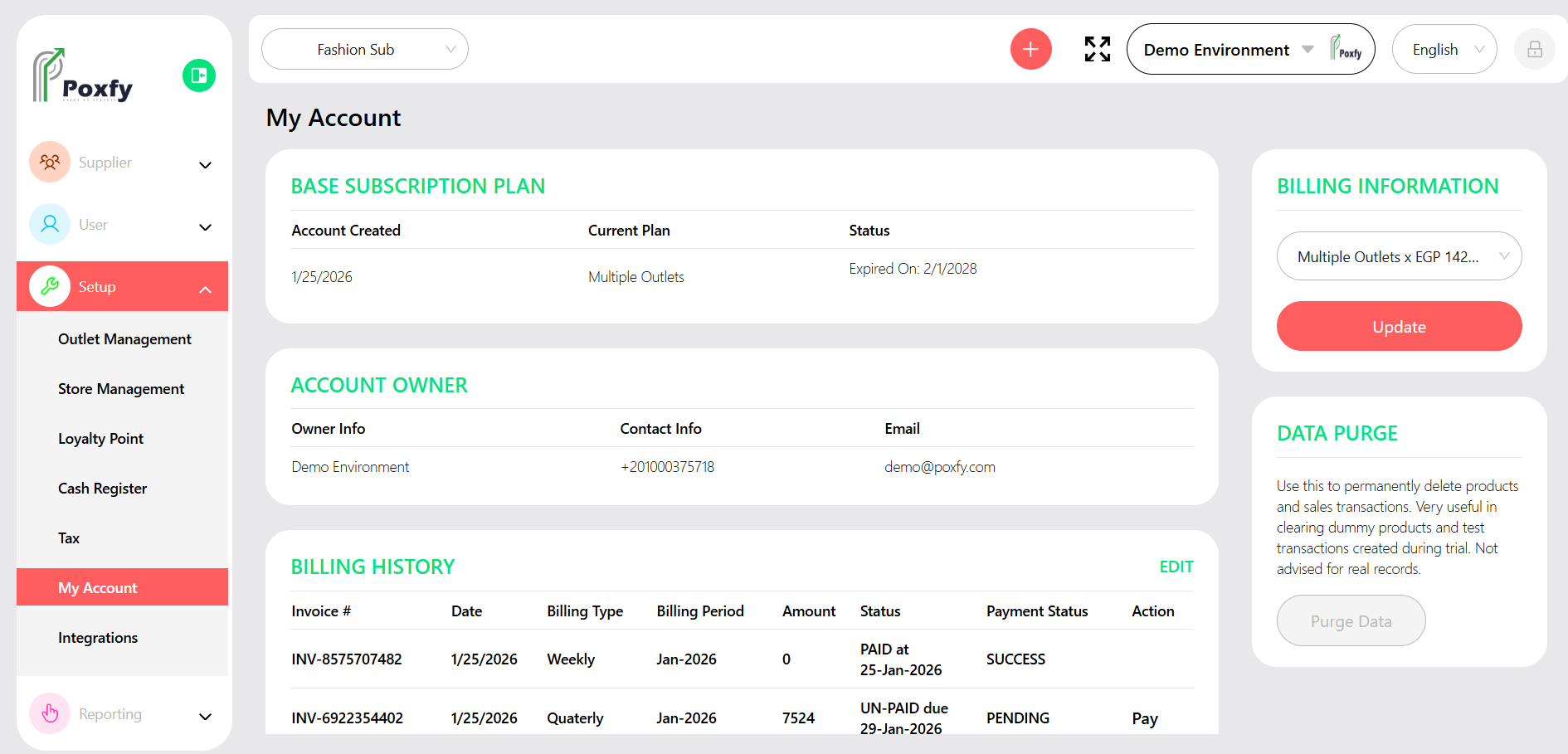
Figure 2: My Account Settings Screen
Tip: Regularly review your account information to ensure it is accurate and up-to-date. This helps with communications and system notifications.