
Configuring Store Information
Step-by-step Instructions:
- From the main sidebar navigation, click on Setup.
- Select Store Management from the sub-menu.
- Update social media links, website, and upload a logo under the Basic Information tab.
- Navigate to other tabs (Language, Currency, SKU, Supplier, Customer Configuration) to adjust settings.
- Click Save to apply changes.
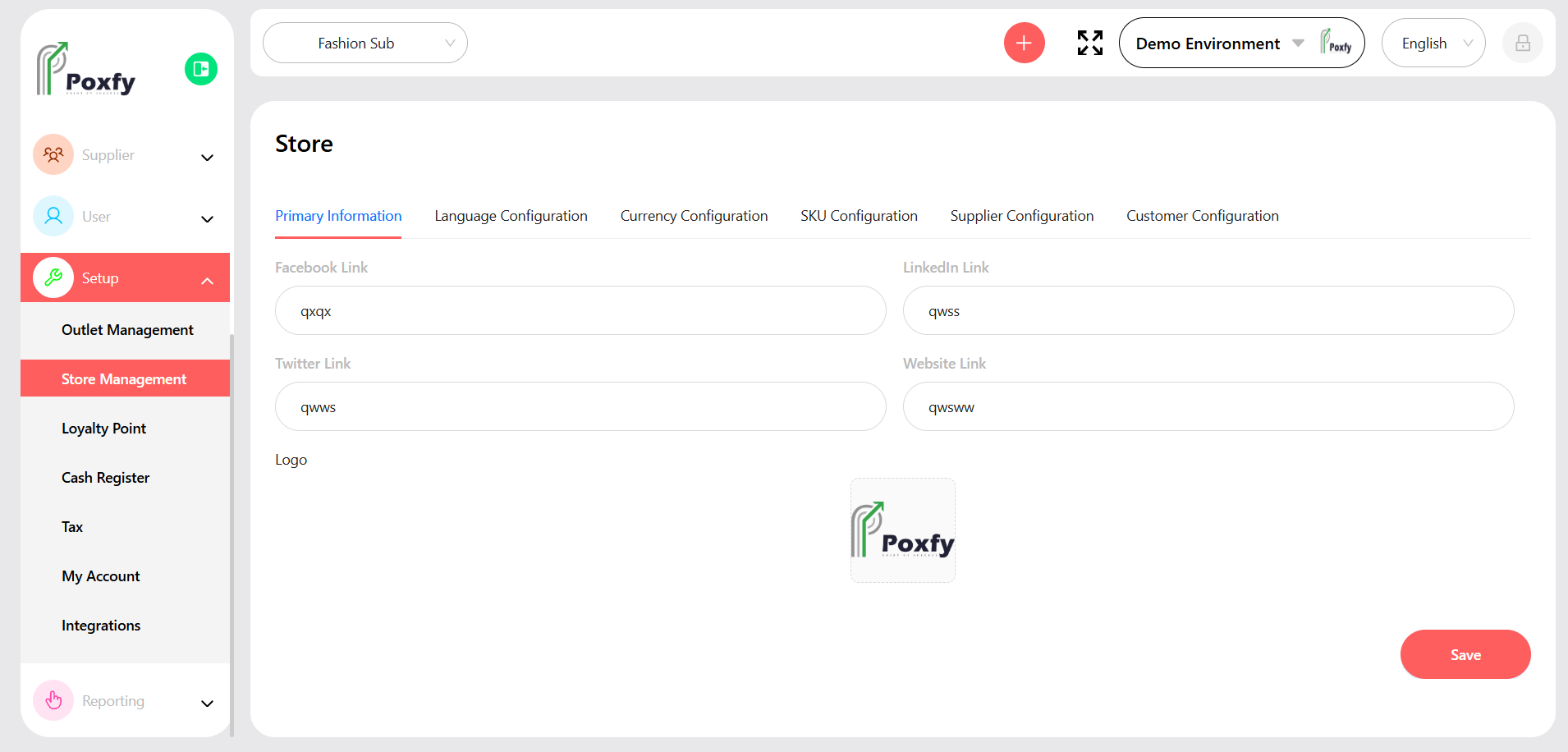
Figure 25: Store Management Configuration