
Managing Product Categories
Step-by-step Instructions:
- From the main sidebar navigation, click on Products.
- Select Category from the sub-menu.
- Click Add Category to create a new one, or use the edit/delete icons for existing categories.
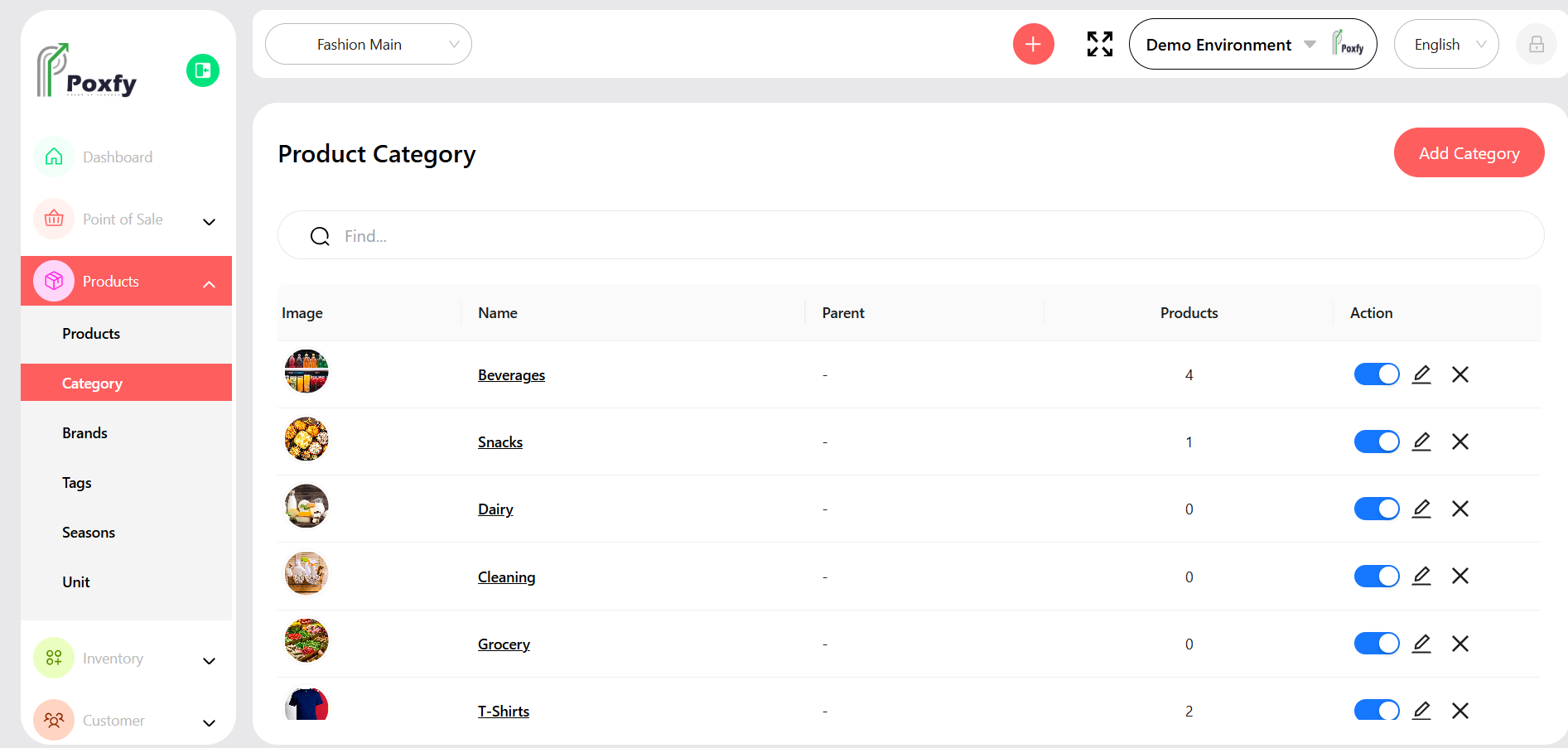
Figure 8: Product Categories Management