
Managing Tax Rates
Step-by-step Instructions:
- From the main sidebar navigation, click on Setup.
- Select Tax from the sub-menu.
- Click Add Tax to define a new tax rate, or use the action icons to edit/delete existing ones.
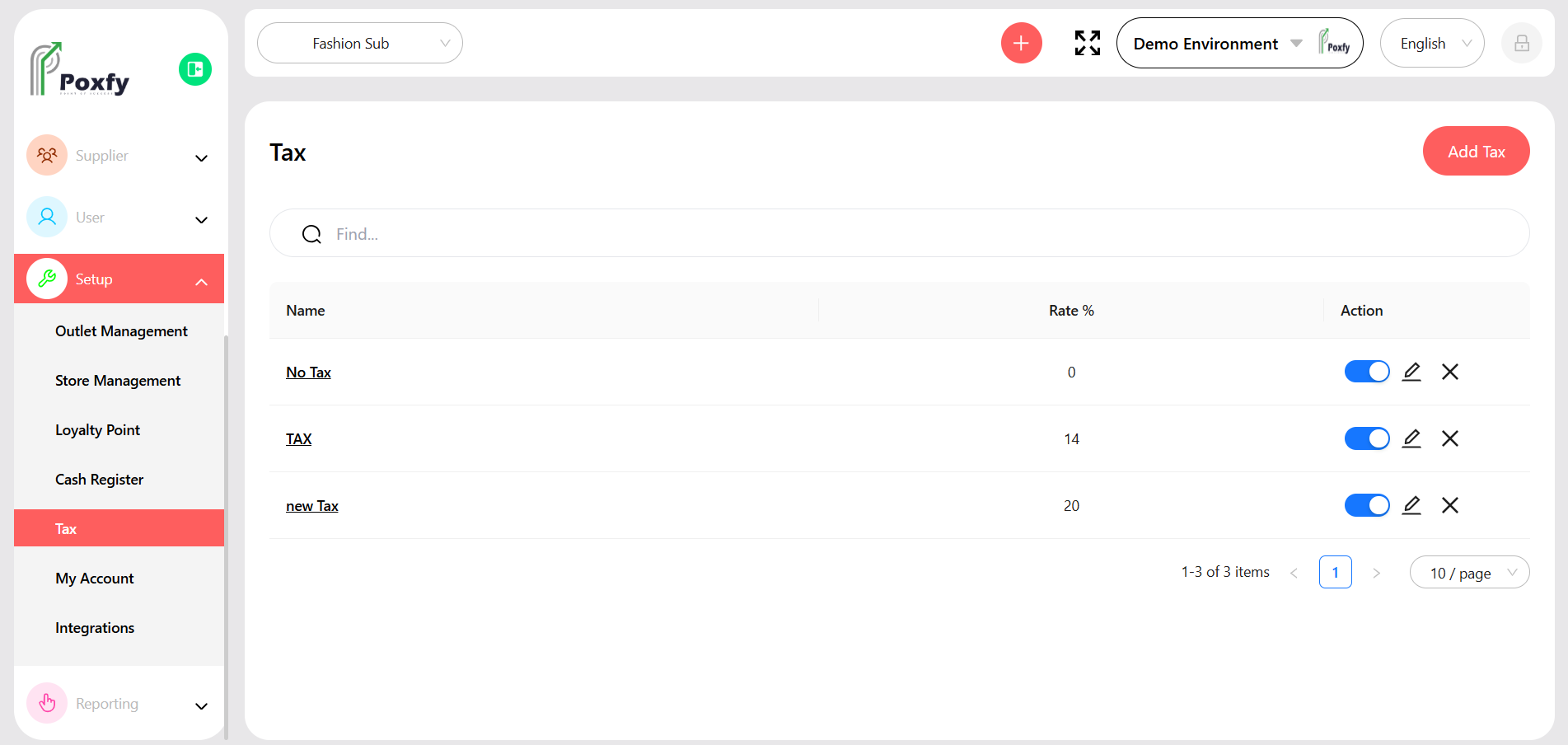
Figure 27: Tax Configuration Screen